Setup Account to Bid:
- Go to bidpartner.net/IWP/Setup-Account on phone or computer
- Menu select ‘Setup Account To Bid’
- Enter your Name, Email, and Phone then click ‘Save Information.’
- Make a note of the Bidder ID assigned to you in the top left corner.
- Set your Password then click ‘Save Password.’
- Enter Credit Card information, and click ‘Submit to Card Processor.’
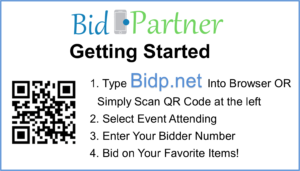
- Go to bidp.net/iwp on a computer or mobile device
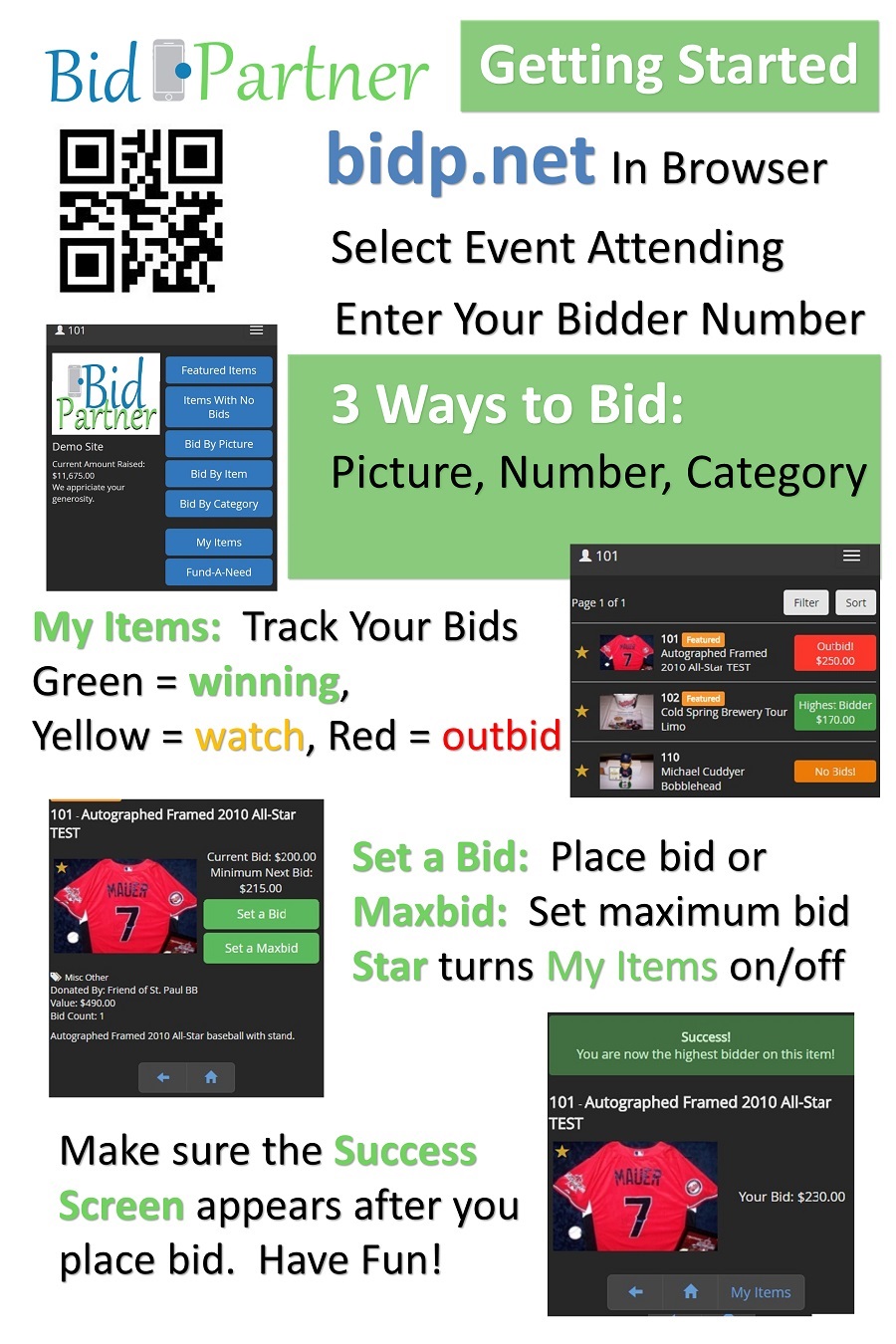
- Browse items by Featured, Items with No Bid, By Picture, Item or Category and Place Bids!
- When the auction closes, you will see a pop-up showing you the items you have won!
Returning Bidder: or Menu ‘Bid Here’ then ‘Silent Auction Bidding’
- Go to bidp.net/iwp on a computer or mobile device.
- Enter your Bidder ID and Password, then click ‘Sign In.’
- Browse items by Featured, Items with No Bid, By Picture, Item or Category and Place Bids!
- When the auction closes, you will see a pop-up showing you the items you have won!
Support please email ‘morin@bid-partner.com’