Register to Bid
- Go to bidpartner.net/woodburychamber on phone or computer
- Bid Here menu. Select ‘Registered to Bid – New each Year’
- Enter Contact and other information.
- Enter Credit Card information, and click ‘Submit.’
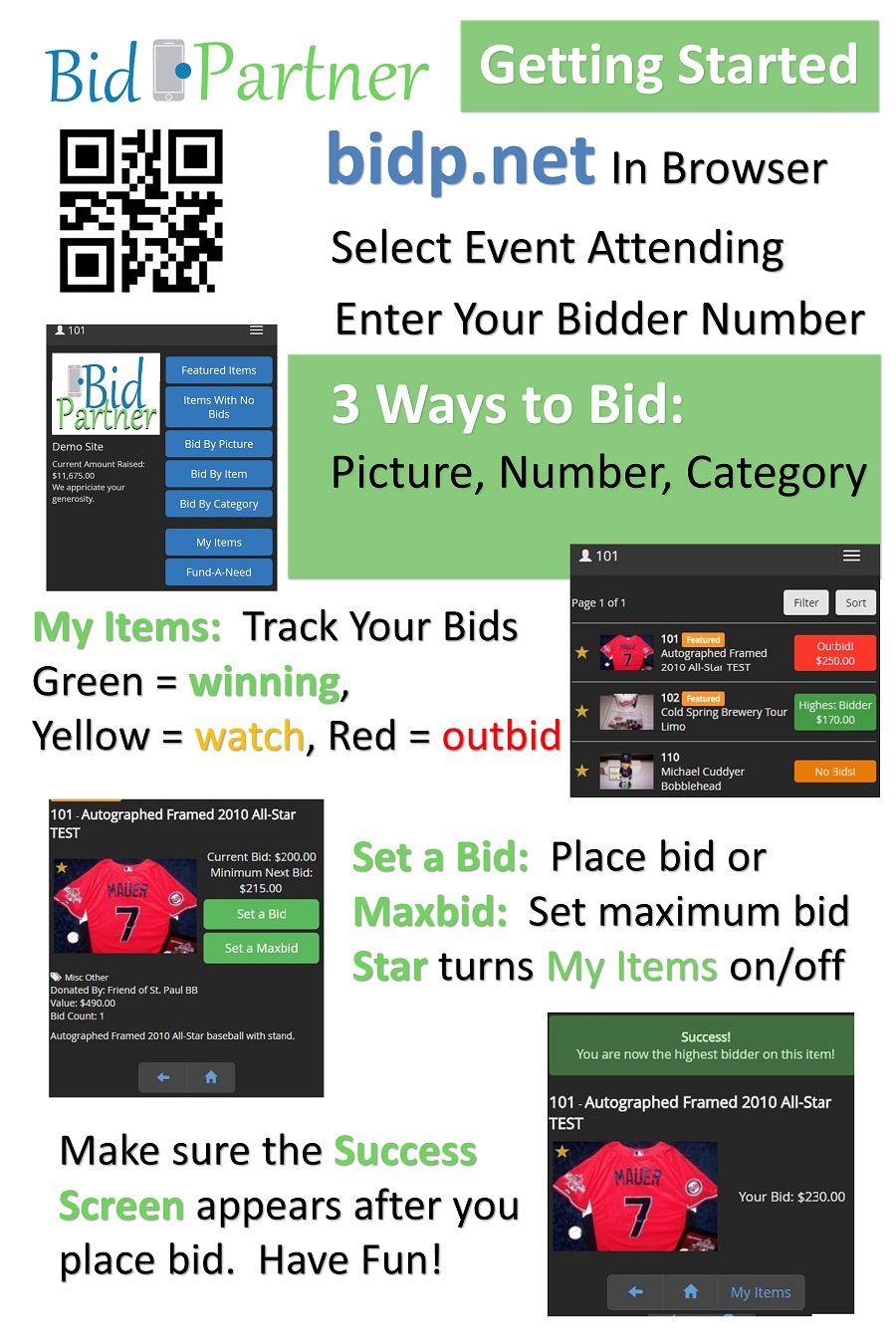
- Go to bidp.net/woodburychamber on a computer or mobile device.
Placing a Bid or Menu ‘Bid Here’ then ‘Returning bidder with credit card’
- Go to bidp.net/woodburychamber on a computer or mobile device.
- Enter your Bidder ID and Password, then click ‘Sign In.’
- Browse items by Picture, Item or Category and Place Bids!
- When the auction closes, you will see a pop-up showing you the items you have won!