You must have purchased a ticket and have saved your credit card information, you can then view items and place bids.
- Go to the ‘Credit Card Registration’ page.
- Enter the email address you used to register as a new Bidder and click ‘Search.’
- If not found please email ‘sales@bidpartner.net’ with the persons name that purchased the tickets for you. You can update at the event.
- If found, verify the person shown is you, and click ‘This is me, continue.’
- Enter Credit Card information, and click ‘Submit.’
Placing a Bid
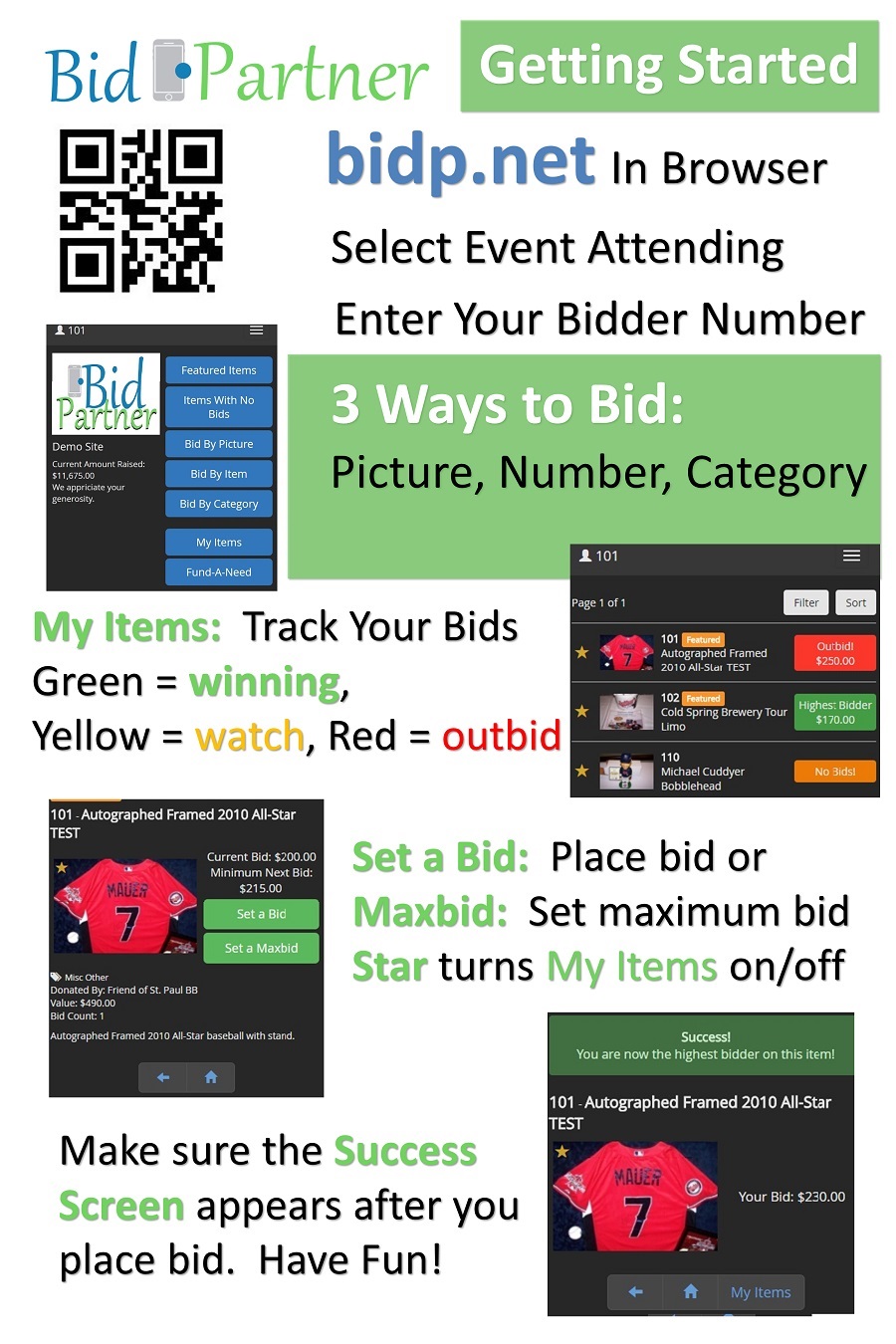
- Go to bidp.net/wmroyals on a computer or mobile device.
- Enter your Bidder ID in the ‘User ID’ field, then click ‘Sign In.’
- Browse items by Picture, Item or Category and Place Bids!
- When the auction closes, you will see a pop-up showing you the items you have won!